


Blue laser
17 parallel lines


EINSTAR 2 3D Scanner

Available on Click & Collect · Pay by card or cash at pickup, or choose bank transfer at checkout How does it work?
17 parallel lines
Integrated Wi-Fi
Laser + infrared
| Light source | 17 parallel blue laser lines; IR VCSEL |
|---|---|
| Point distance — Laser HD | 0.05–10 mm |
| Point distance — IR Rapid | 0.2–10 mm |
| Working distance — Laser HD | 100–600 mm |
| Working distance — IR Rapid | 160–1400 mm |
| Scanning speed — Laser HD | Up to 2,500,000 points/s |
| Scanning speed — IR Rapid | Up to 4,800,000 points/s |
| Colour camera | 2.3 MP |
| Weight | 420 g including battery / 348 g without battery |
| Dimensions | 130 × 37 × 61 mm |
| File formats | STL / OBJ / PLY / 3MF / ASC |
Shining 3D
A wireless hybrid scanner for small-part detail, larger objects and colour models, using EXStar Hub on a compatible computer.
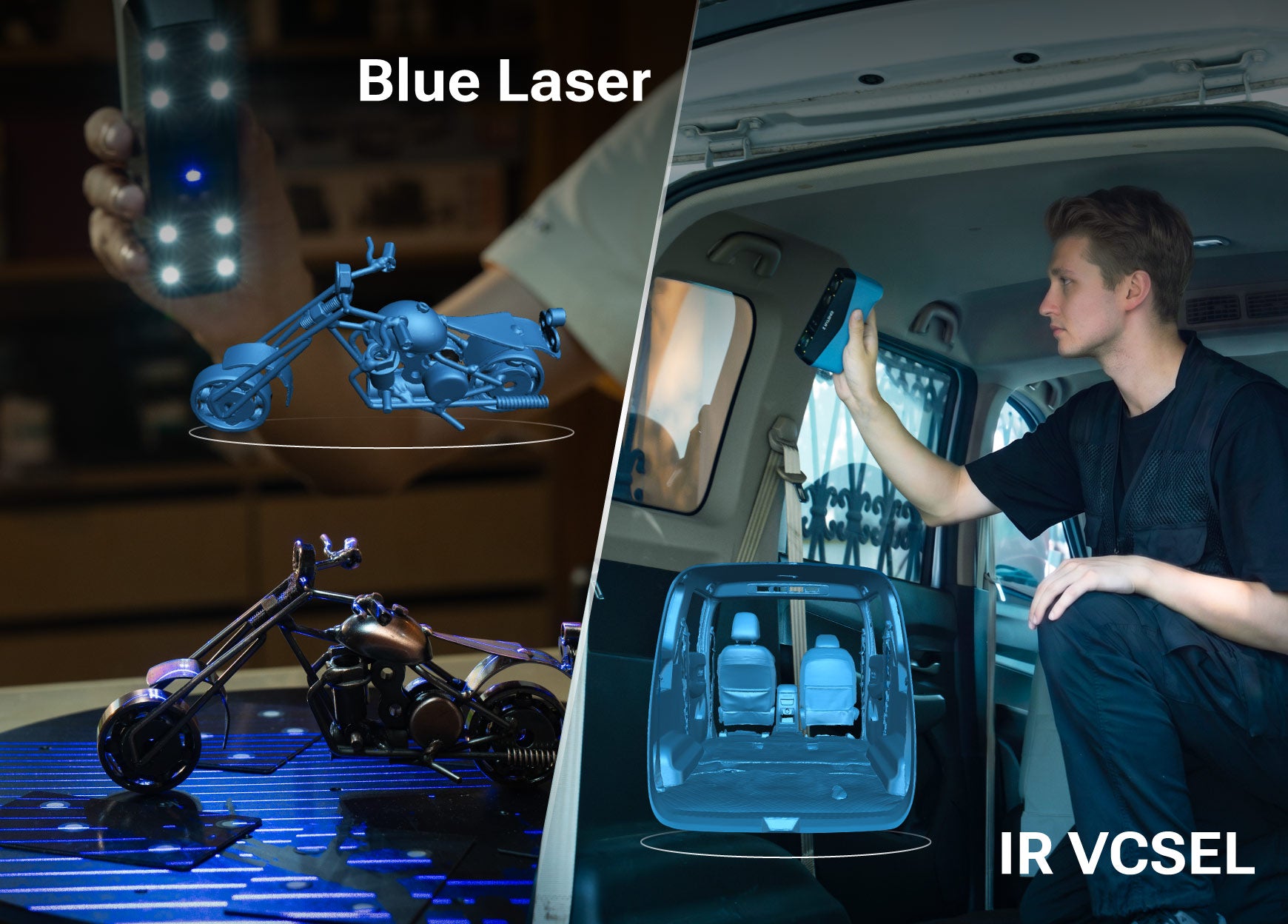
Blue laser capture targets finer geometry and difficult surfaces. Select the appropriate exposure and scan settings for the part.
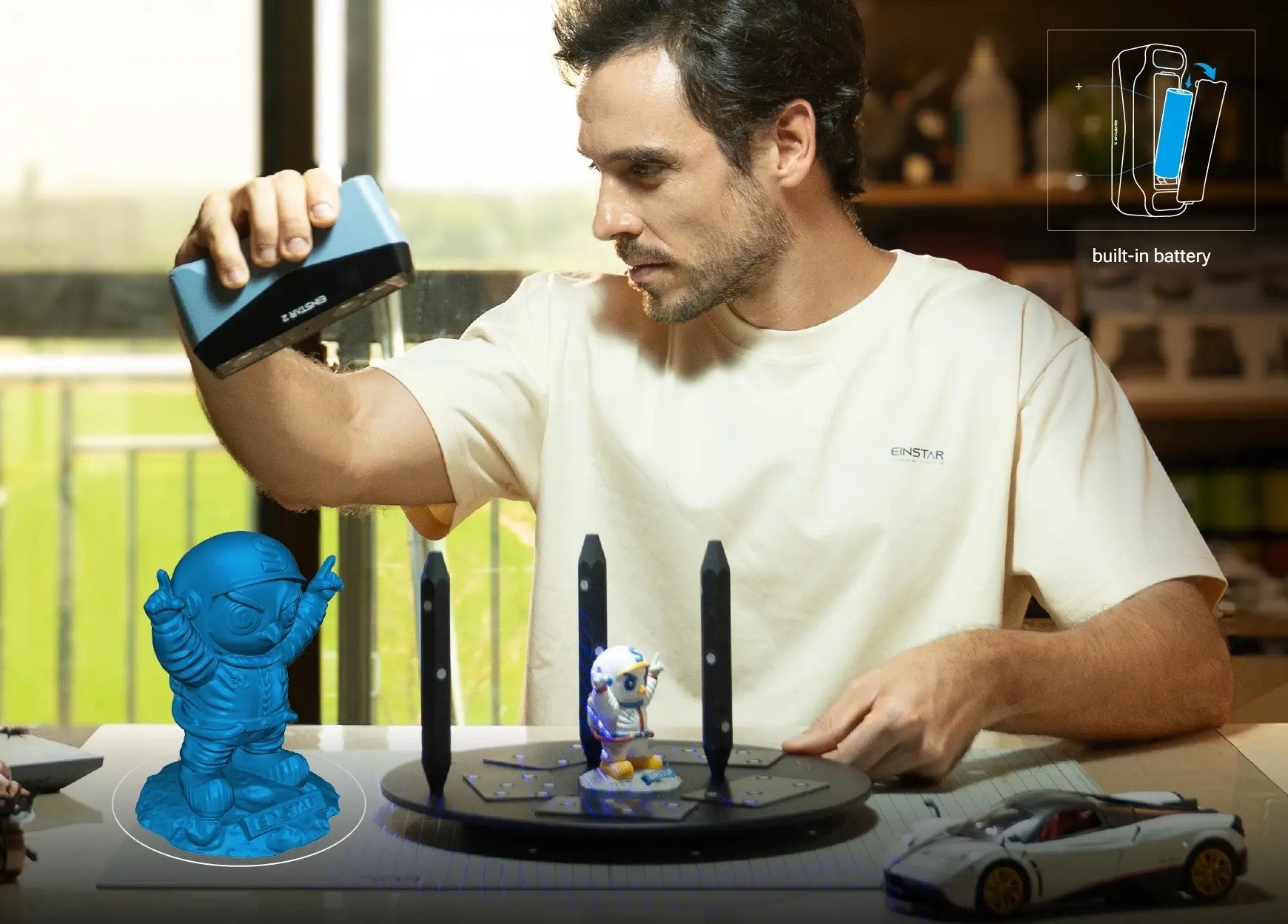
A replaceable battery and integrated Wi-Fi remove the need for an external wireless hub. A wired connection remains available. The built-in Wi-Fi connection does not require a separate wireless module. A USB Type-C connection remains available when radio interference or workstation conditions make a cable more practical.
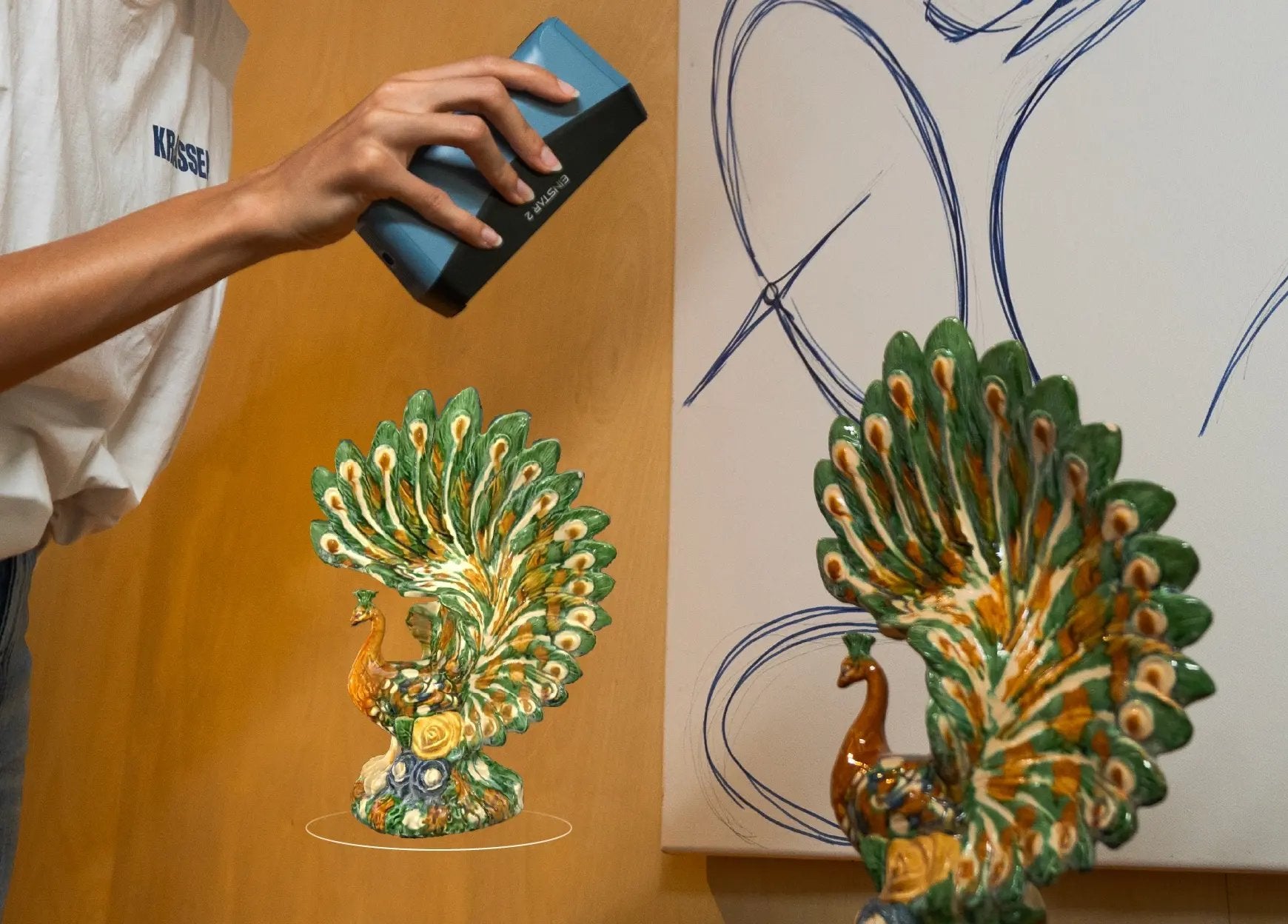
RGB capture adds texture to geometric data for art, product visualisation and immersive content. IR mode covers larger objects. Colour texture supports digital replicas, creative work and product visualisation. Geometry remains available for 3D printing and reverse engineering, while CAD reconstruction and dimensional inspection require their own downstream software and method.
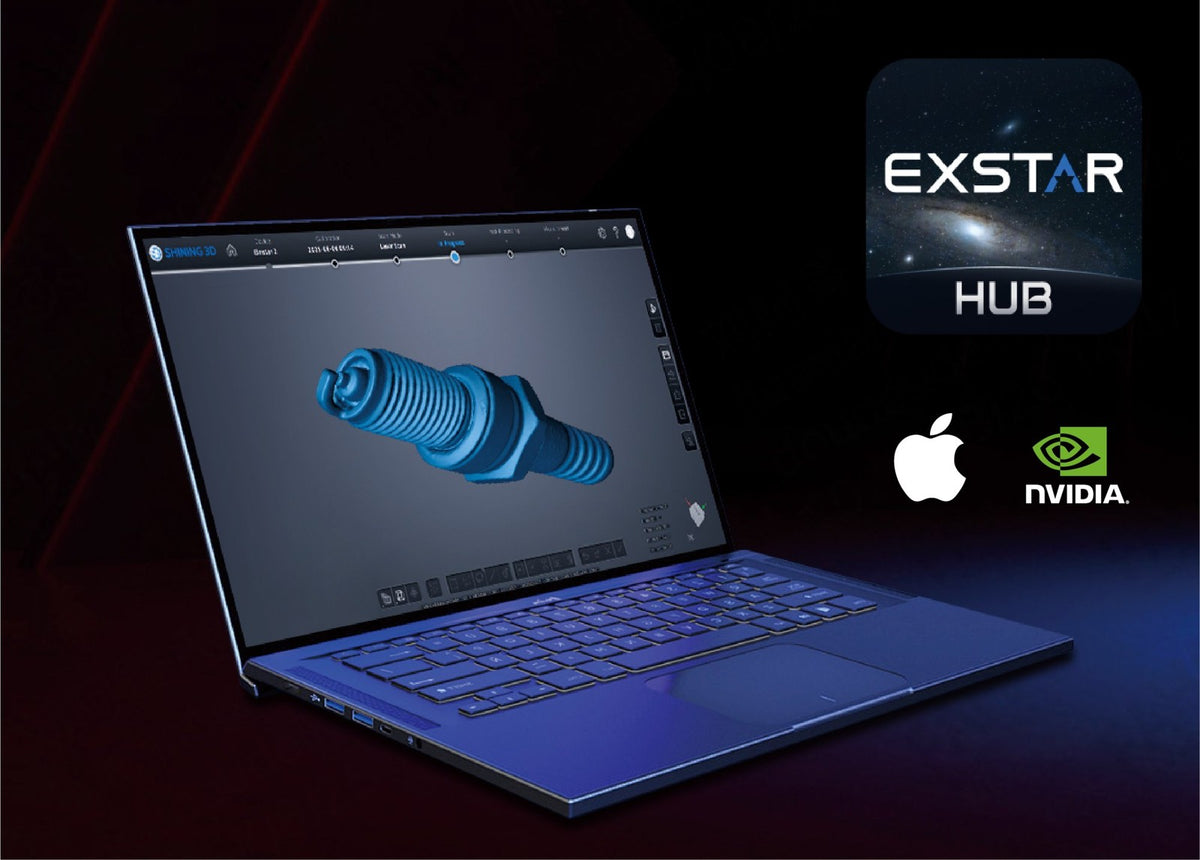
EXStar Hub brings calibration, scanning and processing into one interface for this scanner. Use the appropriate laser or infrared mode, monitor coverage and clean the resulting data before export.
Compatible EXModel Personal tools cover mesh editing, primitive extraction, 3D sketching, surface filling and constrained 2D sketches. Comparison tools help assess the reconstructed geometry against the scan; software access depends on the selected package.
Built-in wireless connectivity reduces cables during acquisition. Outdoor-capable modes extend the working environment, but surface behaviour, available references and lighting still determine the best settings.