


Calibration
Fully automatic


BAMBU LAB A1 Combo 3D Printer

Available on Click & Collect · Pay by card or cash at pickup, or choose bank transfer at checkout How does it work?
Fully automatic
4 · AMS lite included
256 × 256 × 256 mm
| Printing technology | FDM |
|---|---|
| Build volume | 256 × 256 × 256 mm |
| Maximum nozzle temperature | 300 °C |
| Maximum bed temperature | 100 °C |
| Maximum toolhead speed | 500 mm/s |
| Filament diameter | 1.75 mm |
| Multi-colour system | AMS lite — included |
A1 Combo includes the AMS lite components shown below.

Bambu Lab A1

Purge Wiper

Spool Holder

Stainless Steel Nozzle(pre-installed)

PTFE Tube*1

Bambu Filament Samples-20g(Random Color)

Build Plate

AMS lite Body

AMS lite Stand

AMS lite Rotary Spool Holder (x4)

PTFE Tubes
Bambu Lab
From the first prototype to four-colour models, the A1 Combo brings automatic setup and AMS lite to a 256 mm platform.
Prepare orientation, supports and colour assignments in Bambu Studio, then send the job to the printer. Bambu Handy supports remote management, while MakerWorld provides ready-to-print project profiles.

Browse models and compatible print profiles, then prepare the project for your A1 Combo.
The A1 handles Z offset, bed levelling, vibration resonance and nozzle-pressure calibration automatically for every print job.
AMS lite provides reliable automatic filament selection and RFID synchronisation for multi-colour printing without manual filament-profile setup.
Low-drag linear rails, accelerometers, nozzle-pressure sensing and advanced motion control deliver stable, repeatable output at speed.
Filament runout and feeding checks help identify interruptions during printing. Use the camera and Bambu software to check progress remotely, and follow on-screen recovery guidance when intervention is required.
The 256 × 256 × 256 mm build volume suits prototypes, models, fixtures and teaching projects. The open, moving-bed layout needs clear space around the machine and is best matched to materials suitable for an unenclosed printer.
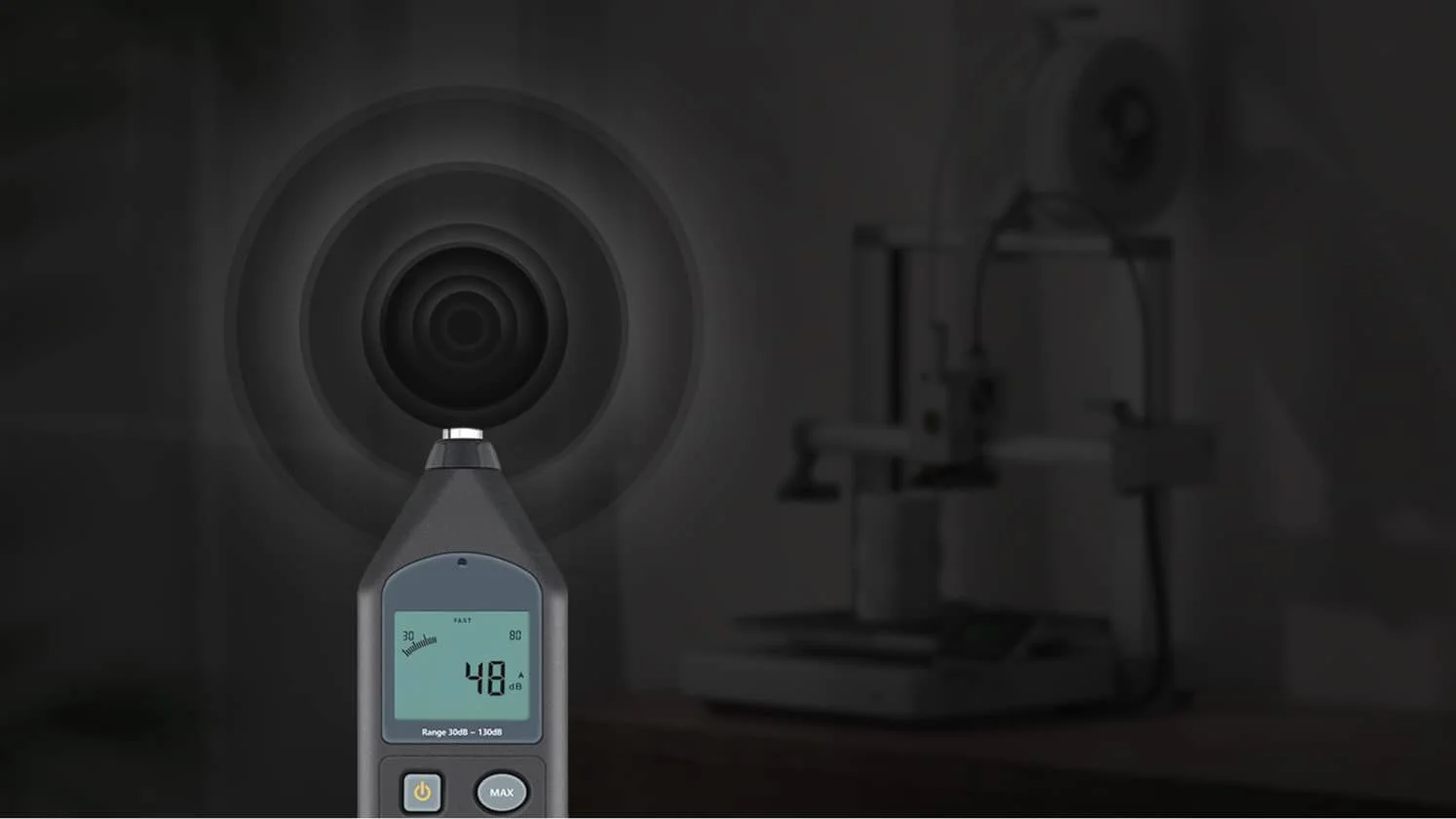
The printer calibrates differences between drive motors to reduce harsh motion noise. Print speed, fan settings, the supporting surface and the chosen operating mode also affect the sound heard in the room.

The quick-swap hotend design simplifies changing or servicing the nozzle assembly. Choose the nozzle size and material profile for the intended detail, flow and filament type. The supplied stainless-steel nozzle should be replaced with a suitable hardened-steel nozzle for abrasive particle-filled materials.
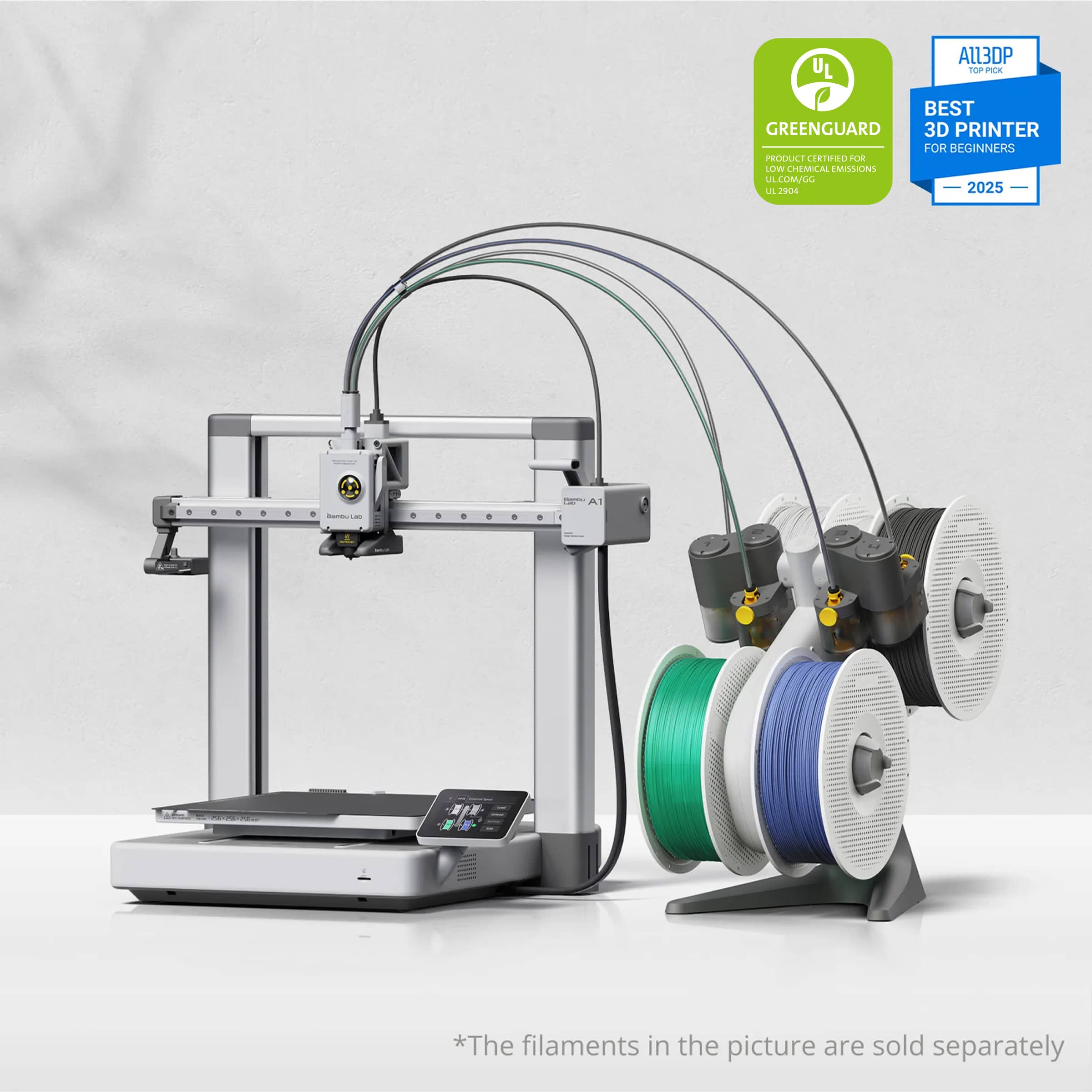
AMS lite is included with the A1 Combo and automatically switches between four spools. It is an open spool-handling system, not a heated drying enclosure. Use materials approved for AMS lite feeding.

A nozzle-pressure sensor monitors extrusion so flow can be adjusted during printing. This helps keep surfaces consistent and edges well defined when speed changes.

Choose Bambu Cloud for remote access or LAN-only mode for operation over your local network. Manage your workflow from Bambu Studio and compatible mobile tools.
The official demonstration walks through unpacking and assembling the printer and AMS lite.


