
3 operating modes
Scan standalone, wirelessly with a PC, or through USB-C.


SHINING 3D EinScan Rigil 3D Scanner
Scan standalone, wirelessly with a PC, or through USB-C.
Crossed and parallel blue lasers capture detailed geometry.
Capture colour and surface texture alongside geometry.
| Light source | 50 crossed + 7 parallel blue laser lines; IR VCSEL |
|---|---|
| Volumetric accuracy — Laser HD | Up to 0.04 + 0.06 mm/m |
| Operating modes | Standalone / wireless PC / wired PC |
| Colour camera | 5 MP |
| Connection | Wi-Fi 6 / USB Type-C |
| Power | 2 × 6000 mAh replaceable batteries; USB-C power |
Shining 3D
A handheld hybrid scanner for engineering, product design and full-colour digitisation, with standalone, wireless PC and wired PC operation.
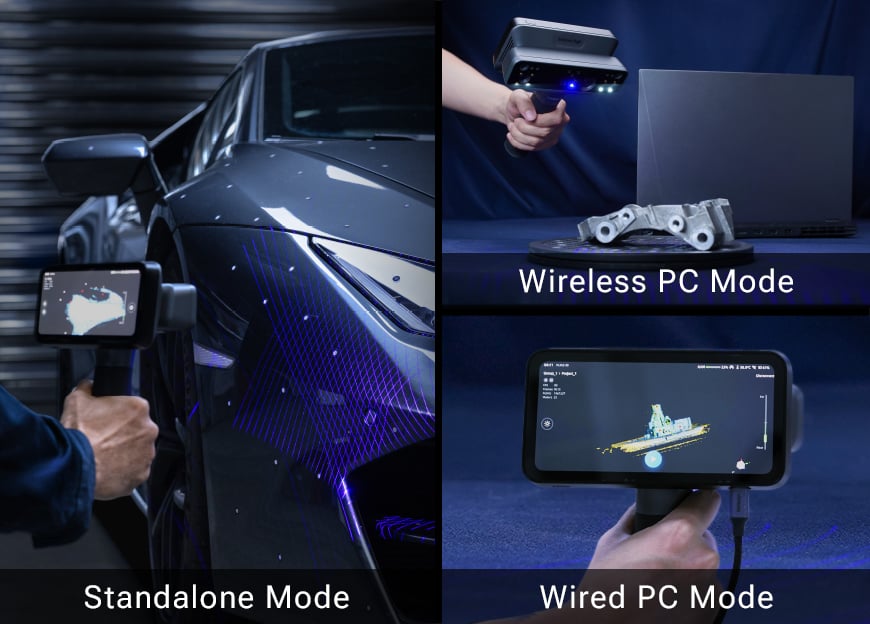
Complete scanning on the device, connect wirelessly to a workstation, or use a cable for a stable PC connection. Choose standalone operation for scanning and processing directly on the device, or connect to a computer wirelessly or by cable for a PC workflow. The working mode can follow the location, project size and processing requirements.
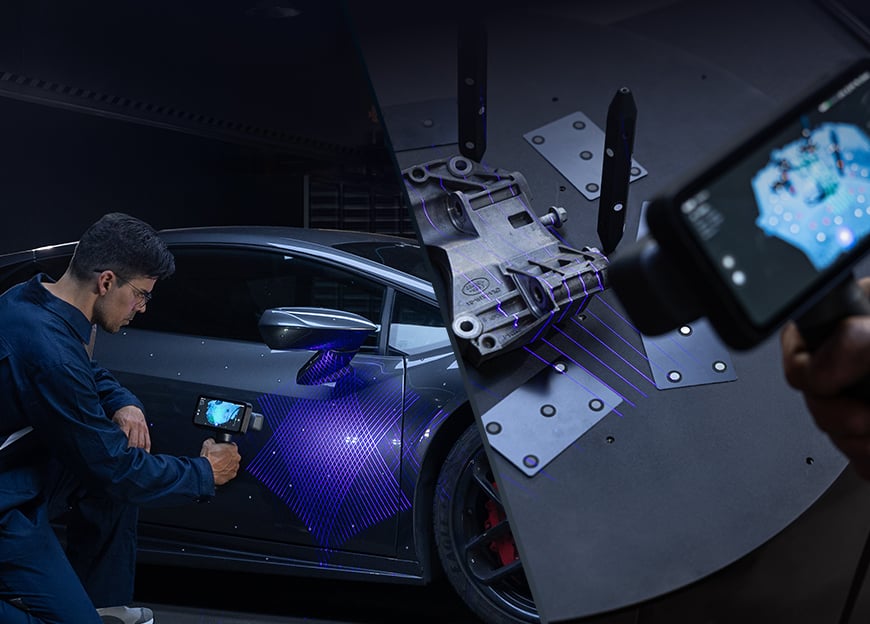
Rigil combines 50 crossed blue laser lines with 7 parallel lines. Laser HD mode offers volumetric accuracy up to 0.04 + 0.06 mm/m under manufacturer conditions.
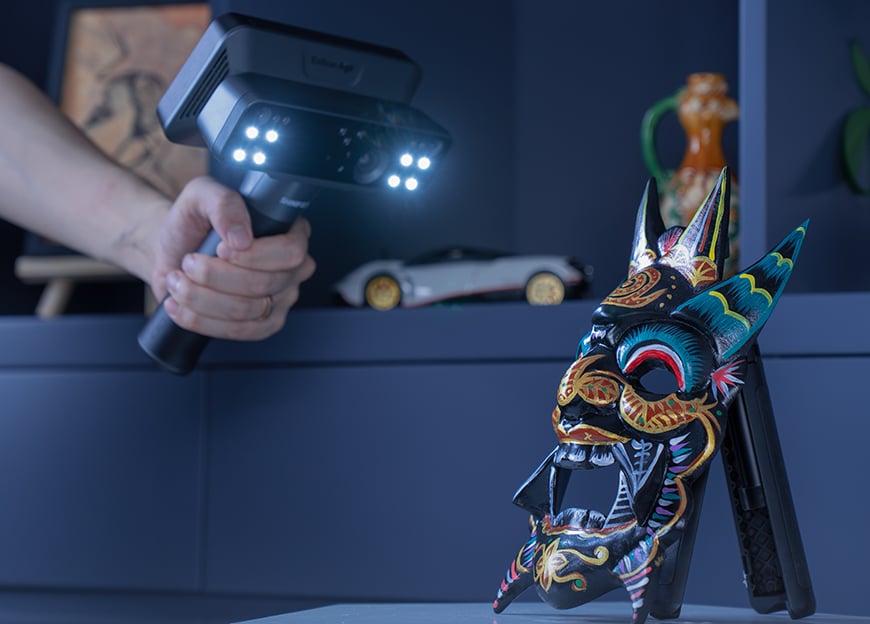
IR VCSEL supports wider-area capture; the 5 MP colour camera records surface texture for design, archiving and visualisation. Full-colour texture adds visual information for design, documentation and digital presentation. Outdoor and workshop scanning modes extend where data can be captured, with exposure and tracking selected for the surface and lighting.
Infrared mode can combine geometry, texture and marker tracking; laser mode supports geometry, markers and global markers. Feature tracking can reduce marker preparation on suitable objects, while repetitive or featureless parts still need a reliable alignment strategy.
The on-device app covers calibration, acquisition, editing, closed-surface generation and export. Quality indicators identify areas needing more data; scan rewind and resume help recover a scan without starting the entire job again.
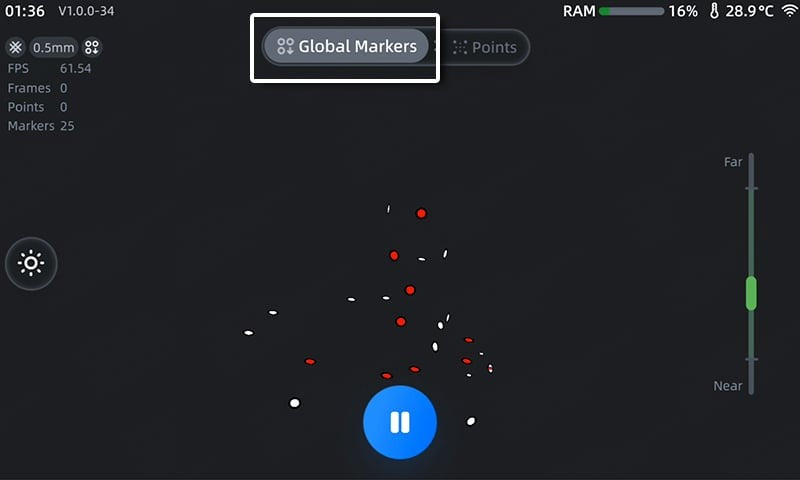
Global marker alignment, support for 3, 6 and 12 mm markers, and standalone multi-project alignment support more demanding captures. Plane detection, coordinate alignment and measurement tools help organise data before it moves into design software.
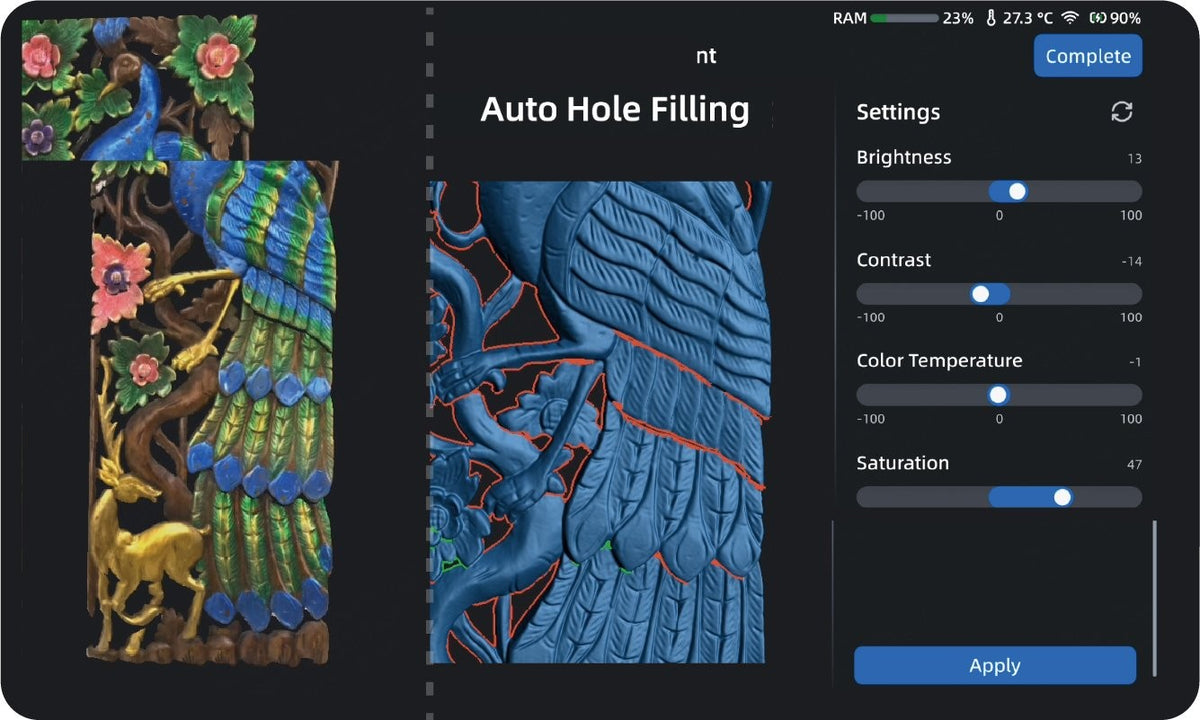
EXScan Rigil adds cutting-plane tools, mirrored geometry, normal-direction correction and removal of isolated fragments. These functions prepare a mesh for printing, visualisation or reverse engineering; editable CAD reconstruction remains a separate design step.
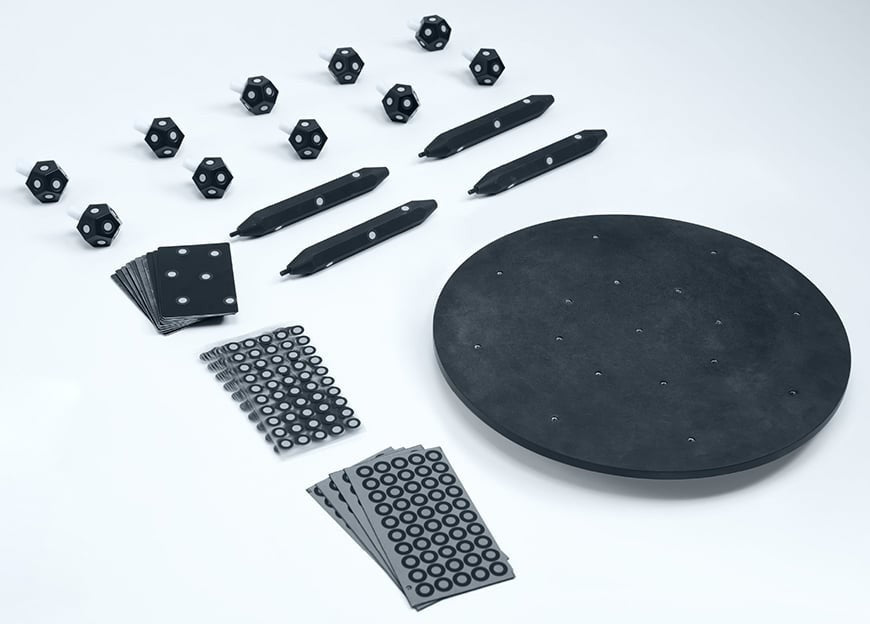
The optional Accessories Pro Kit supports additional scanning setups. Export through the available USB-drive workflow or share projects through SHINING 3D Cloud, selecting the transfer method appropriate to the project and team.