


Cameras
2 × 5 MP


3D Dental Scanner AutoScan DS-EX PRO H

Available on Click & Collect · Pay by card or cash at pickup, or choose bank transfer at checkout How does it work?
2 × 5 MP
All-in-one / triple tray
Runs during scanning
| Scanner type | Desktop dental laboratory scanner |
|---|---|
| Cameras | Dual 5.0 MP |
| Workflows | All-in-one and triple tray |
| Processing | Simultaneous scanning and background processing |
Detailed laboratory scanning with flexible acquisition workflows.

Dual high-resolution cameras capture fine detail across laboratory components.

All-in-one and triple-tray workflows help organise acquisition around the case. All-in-one and triple-tray workflows reduce the number of separate acquisition steps. The scanner also supports post-and-core orders and recognised articulator workflows, using the corresponding fixtures and software setup.

Background data processing can run alongside scanning to streamline laboratory work. Background processing allows acquisition and data processing to run concurrently. This helps organise successive laboratory cases without waiting for every processing stage to finish before the next capture.
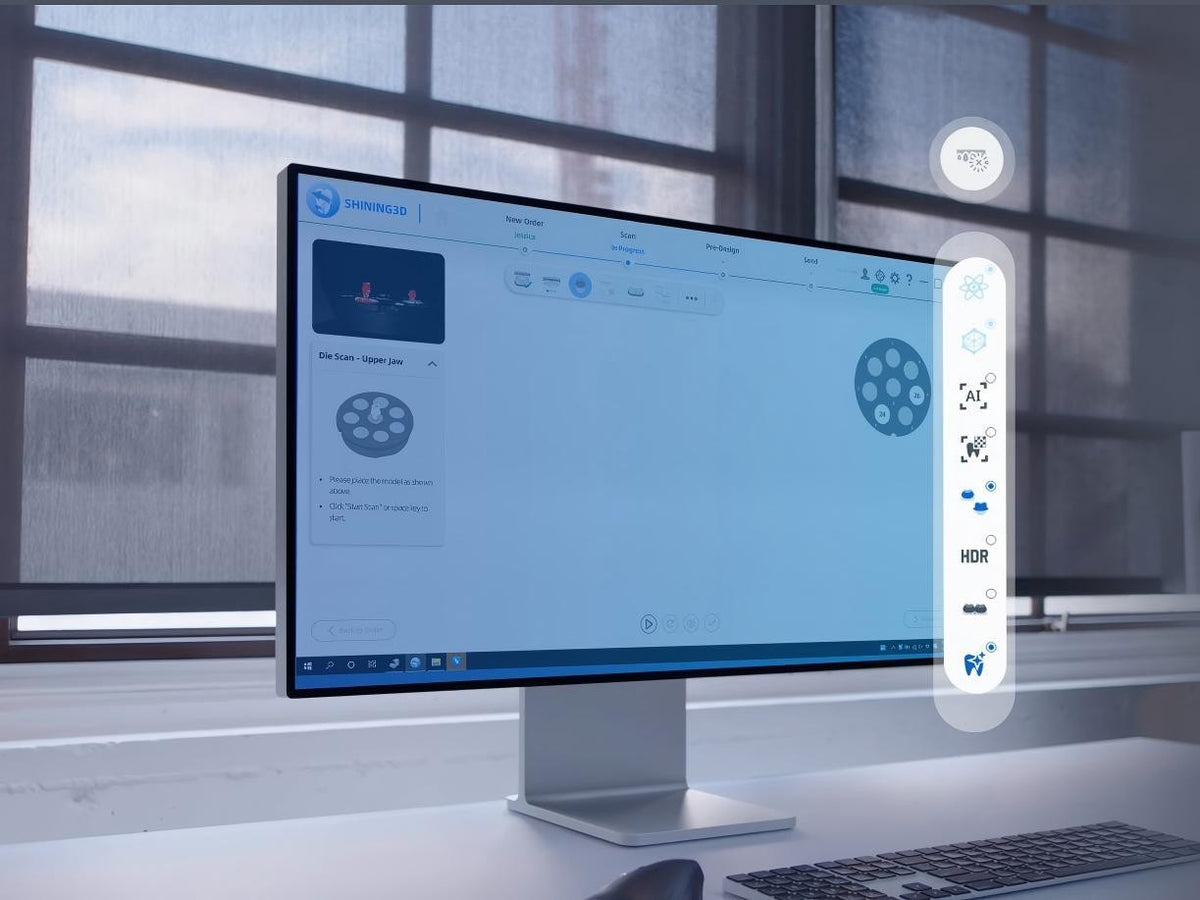
Multi-path, high-quality, AI, texture and HDR modes address different scan tasks. HDR assists with translucent gingival materials; highly reflective metal may require scanning powder according to the manufacturer’s workflow.
The software integrates with exocad for order transfer and can support launching a scan from the design workflow. Compatible articulator information helps preserve the relationship between the scanned models and the laboratory’s design process.