Tool changing
9 PrintTools · Swaptek


Available on Click & Collect How does it work? · Pay by card or cash at pickup, or choose bank transfer at checkout
Request quote9 PrintTools · Swaptek
330 × 320 × 325 mm
AMS 3H included
| Technology | FFF / FDM |
|---|---|
| Build volume | 330 × 320 × 325 mm |
| Tool-changing system | Swaptek · 9 dedicated PrintTools |
| Material switching | As little as 6 seconds, including a 3.4-second tool change |
| Maximum nozzle temperature | 350°C |
| Maximum bed temperature | 120°C |
| Active chamber heating | Dual-zone · up to 65°C |
| Supported nozzle diameters | 0.2 / 0.4 / 0.6 / 0.8 mm · additional sizes optional |
| Nozzle / extruder gear material | Hardened steel |
| Filament diameters | 1.75 / 2.85 mm · dedicated 2.85 mm hotend required |
| Maximum travel speed | 1,400 mm/s · not the printing speed |
| Maximum acceleration | 25,000 mm/s² |
| AMS 3H | Included · 9 automatic feeding paths |
| AMS 3H drying | 2 dedicated drying slots · up to 85°C |
| Material expansion | Up to 24 with additional compatible AMS units via PrintTool 1 |
| Air filtration | HEPA H11 |
| Dimensions | 493 × 571 × 587 mm |
| Weight including AMS 3H | 36.28 kg |
Build colourful models, flexible parts and functional prototypes with nine dedicated PrintTools and integrated filament management.
Each PrintTool has its own heater and filament path. Active preheating prepares the next nozzle while printing continues, enabling material changes in as little as six seconds. Retractable guide tubes keep the tool path clear.
Dedicated nozzles reduce the purging needed when switching materials.
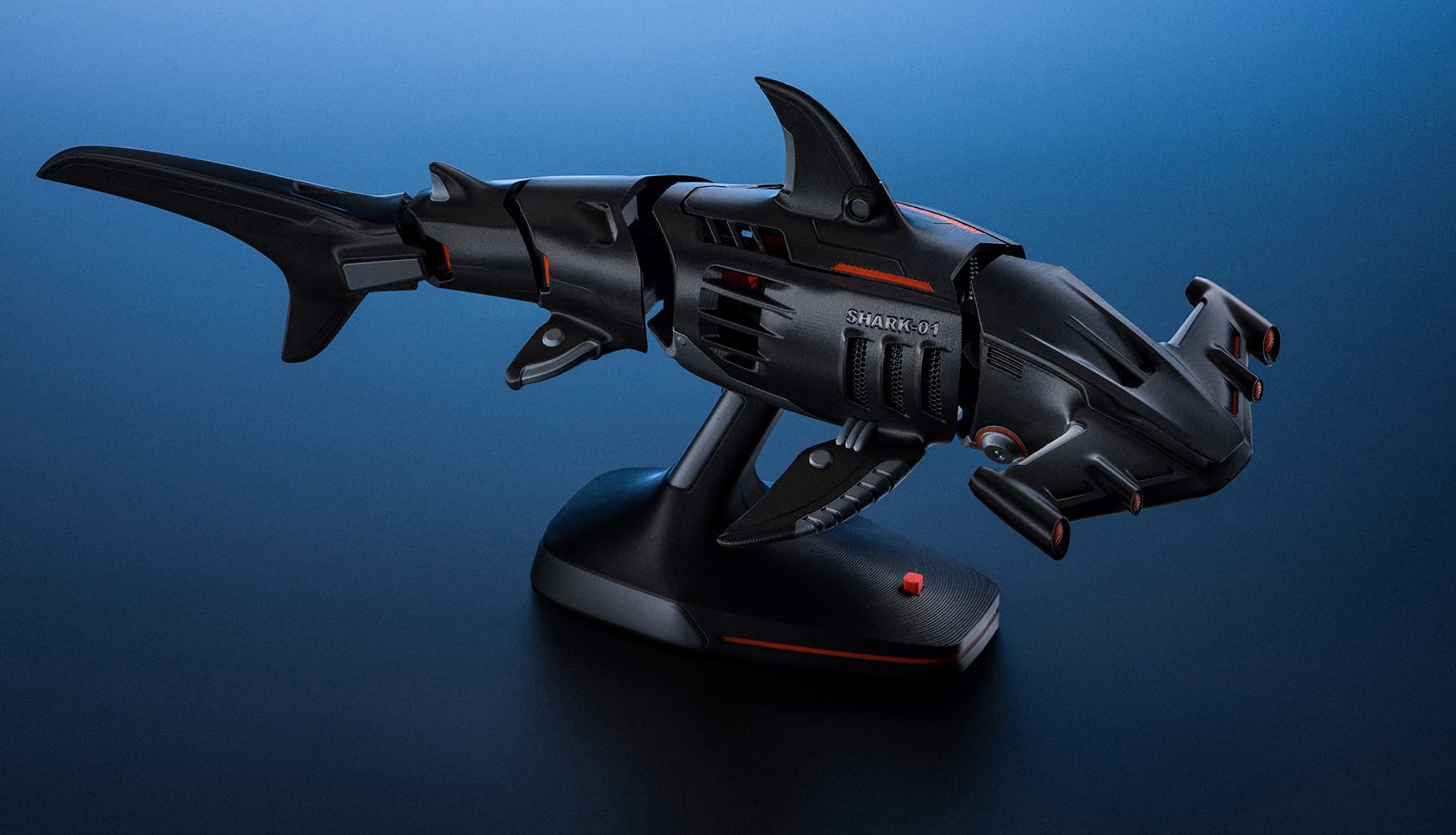
Use different nozzle diameters within the same print: a fine nozzle for lettering and intricate surfaces, a larger one for the main body. Bambu Studio can assign different layer heights to those regions and coordinate the toolpaths.
Choose the regions using painting or modifiers; the slicer handles their alignment. Compatible nozzle diameters are 0.2, 0.4, 0.6 and 0.8 mm.
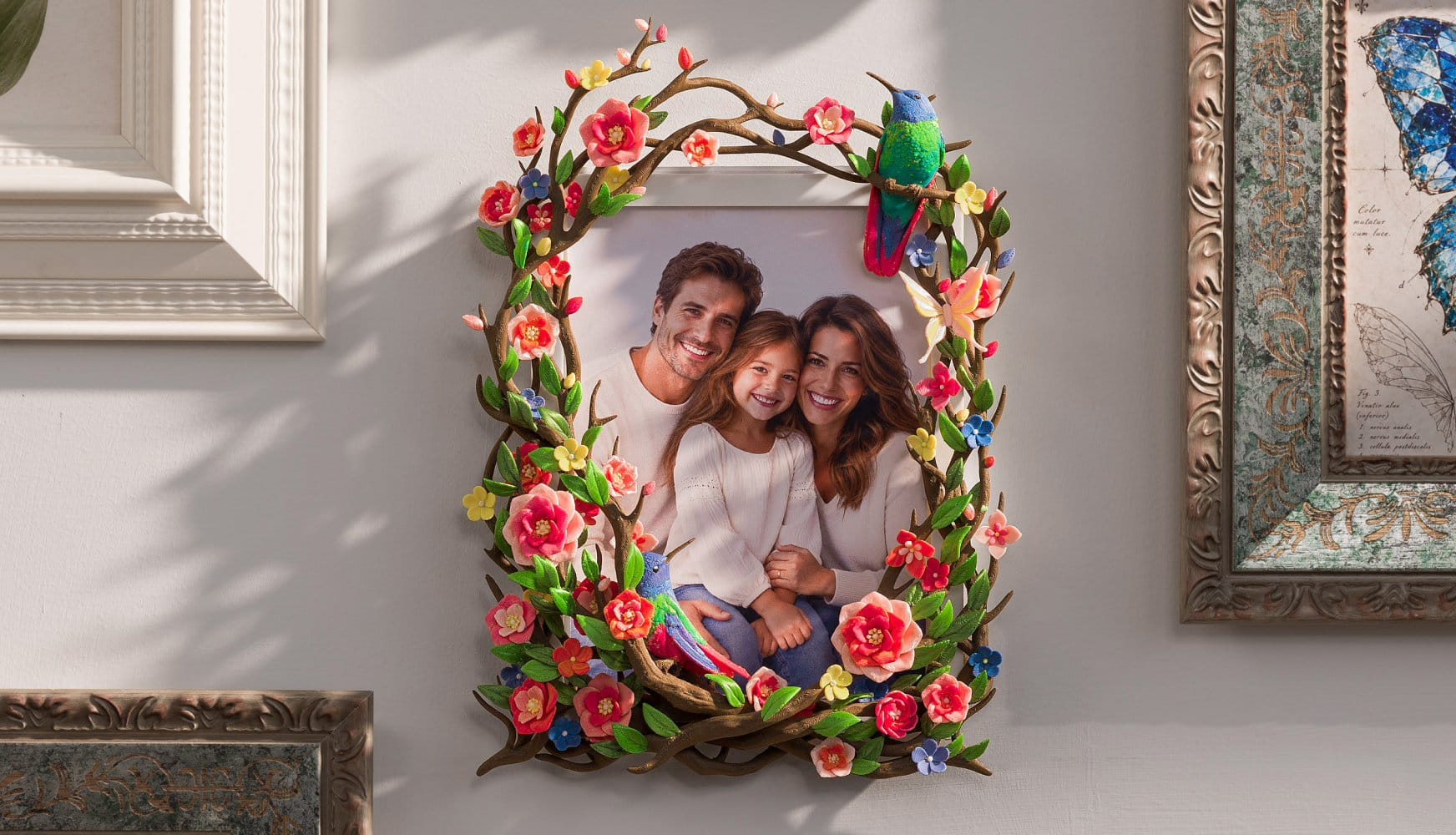
CMYKW colour mixing uses cyan, magenta, yellow, black and white filaments in layered deposition to create additional shades and gradients.
For functional parts, combine compatible rigid and flexible materials, or different TPU hardnesses, in one build. Material selection and print settings determine the result.
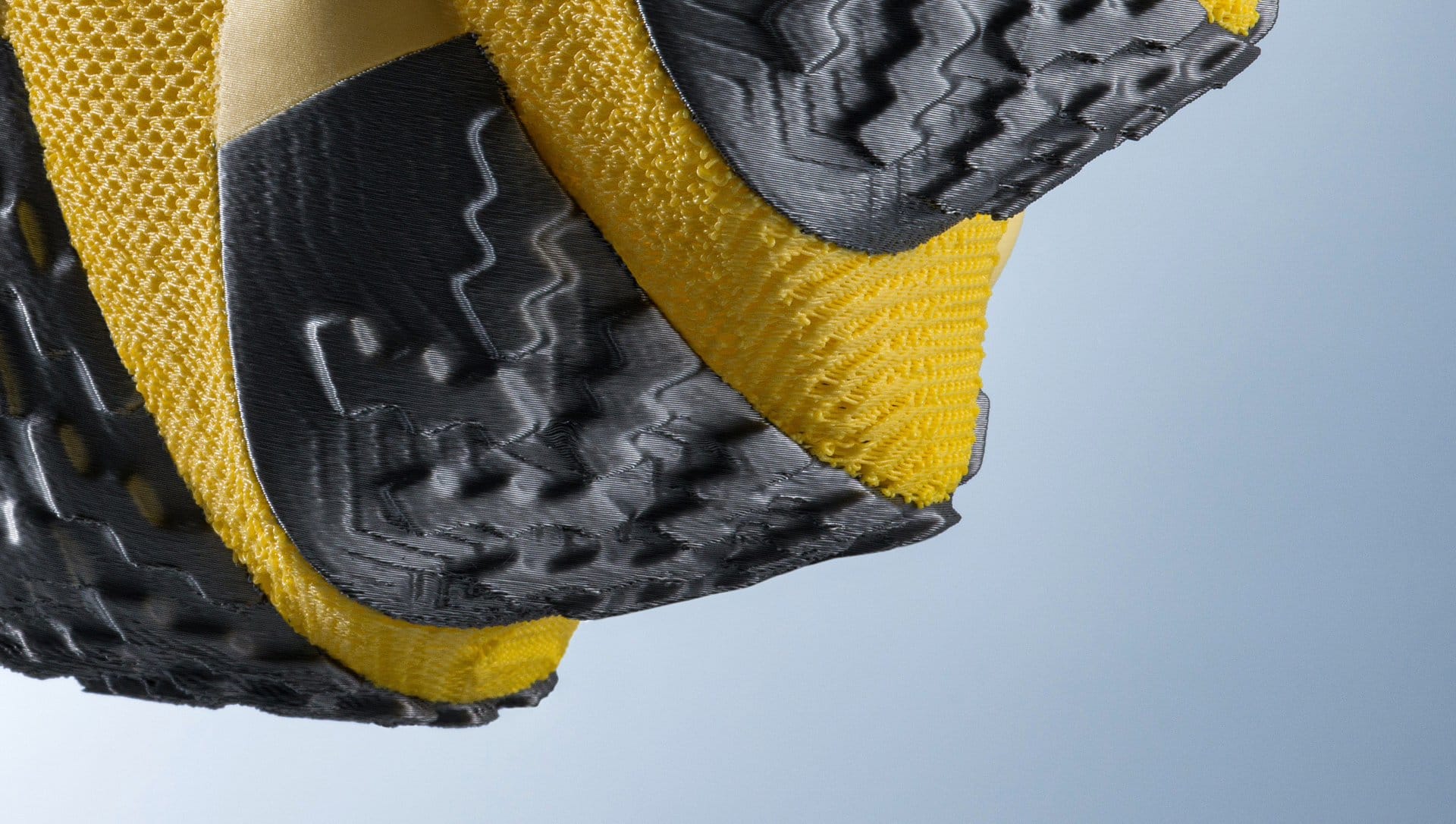
The FlexFeed extruder supports both 1.75 mm and 2.85 mm filament. Bambu Lab’s dedicated 2.85 mm TPU 75A opens up soft straps, cushioning and flexible components.
TPU 75A requires the dedicated hotend for 2.85 mm filament and the matching material profile.
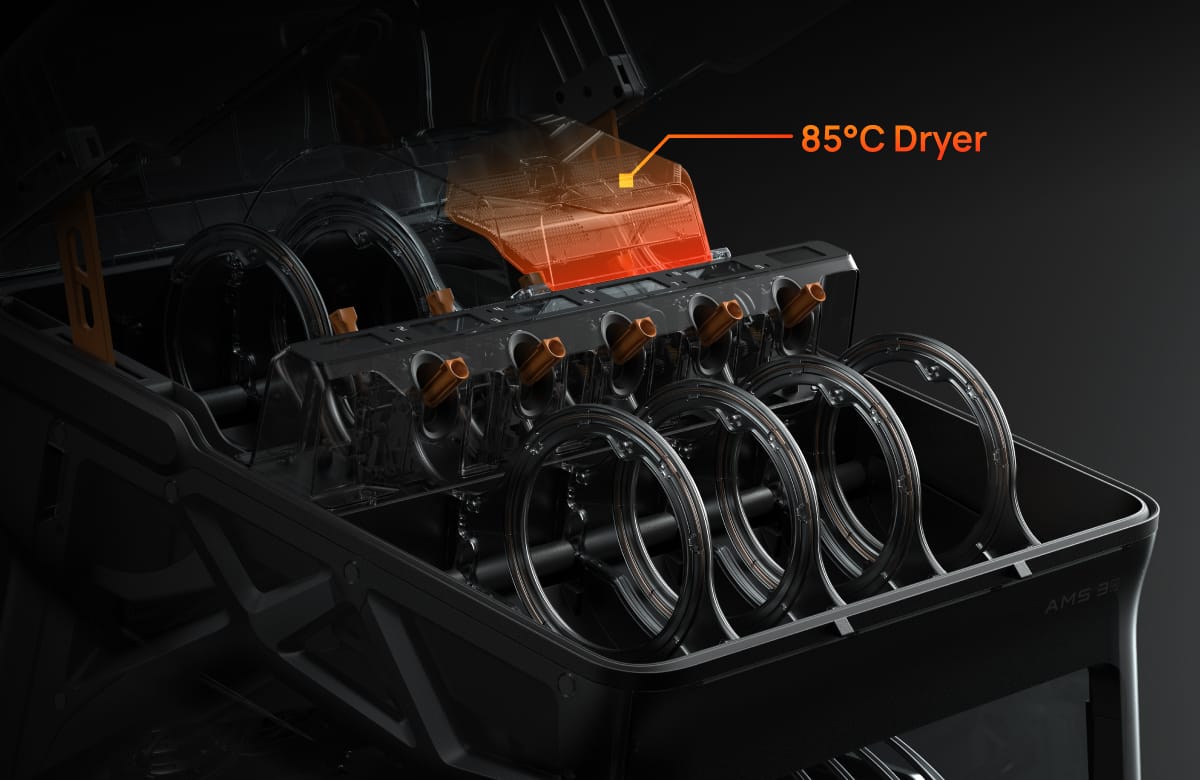
AMS 3H combines enclosed storage with nine automatic feeding paths. Two dedicated slots dry filament at up to 85°C, including during a print. RFID identification is available with compatible Bambu Lab spools.
Additional compatible AMS units connect through PrintTool 1, extending the system to as many as 24 materials.
AMS 3H is included. Additional AMS units and filaments are sold separately.
Acceleration reaches 25,000 mm/s². Actual printing speed depends on geometry, material flow and settings.
Nine hardened-steel nozzles and dual-zone chamber heating support demanding materials, including suitable ABS, PC and reinforced filament profiles.
Part cooling, dual auxiliary fans, PrintTool cooling and chamber ventilation work together to regulate temperatures.
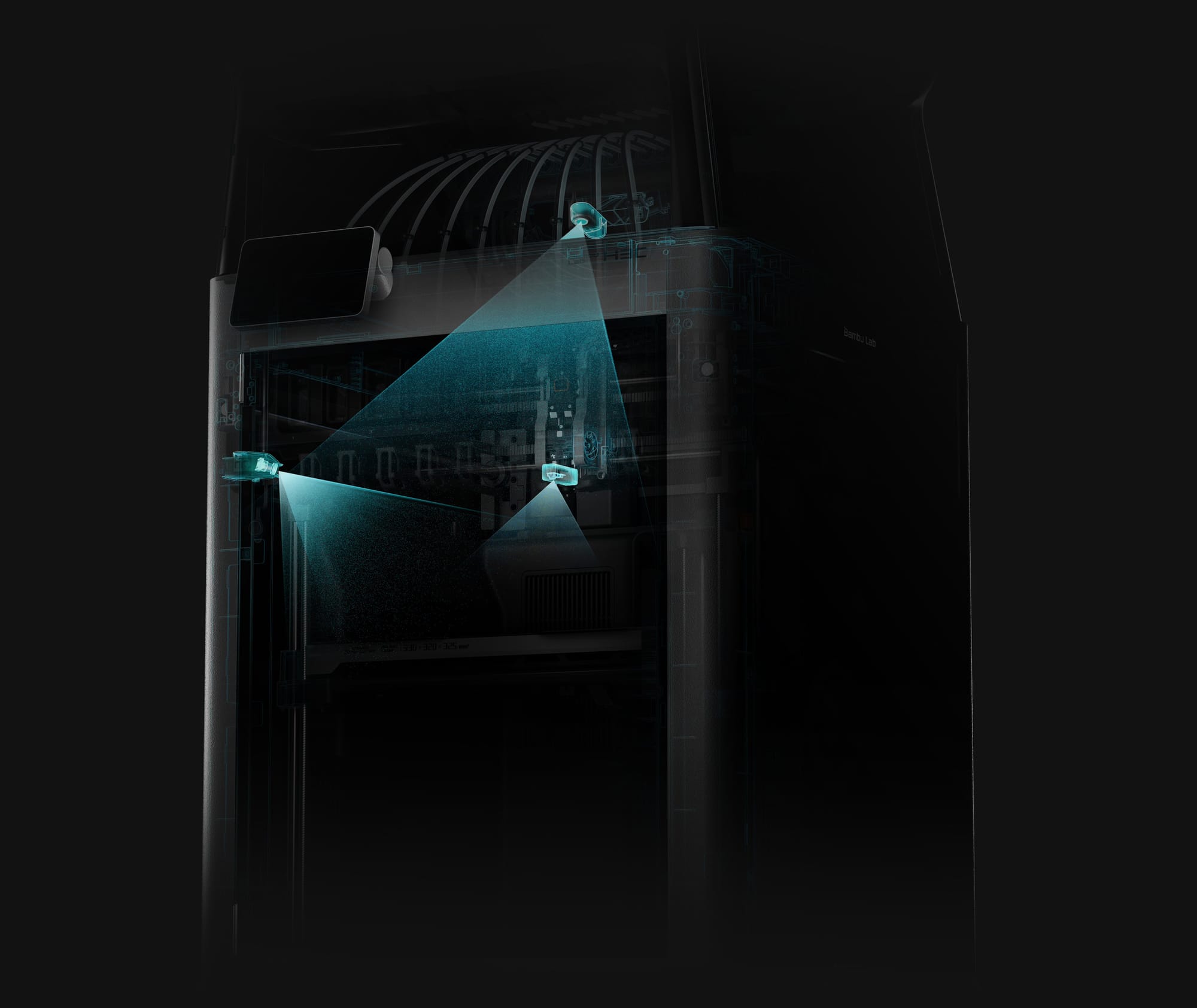
Automatic docking calibration, tool-offset compensation and bed levelling prepare the printer before a job. Live-view monitoring and AI-assisted detection help identify printing problems.
HMS MiniWiki provides on-screen troubleshooting. The optional BirdsEye camera adds a top-down view; the optional Vision Encoder supports further calibration.
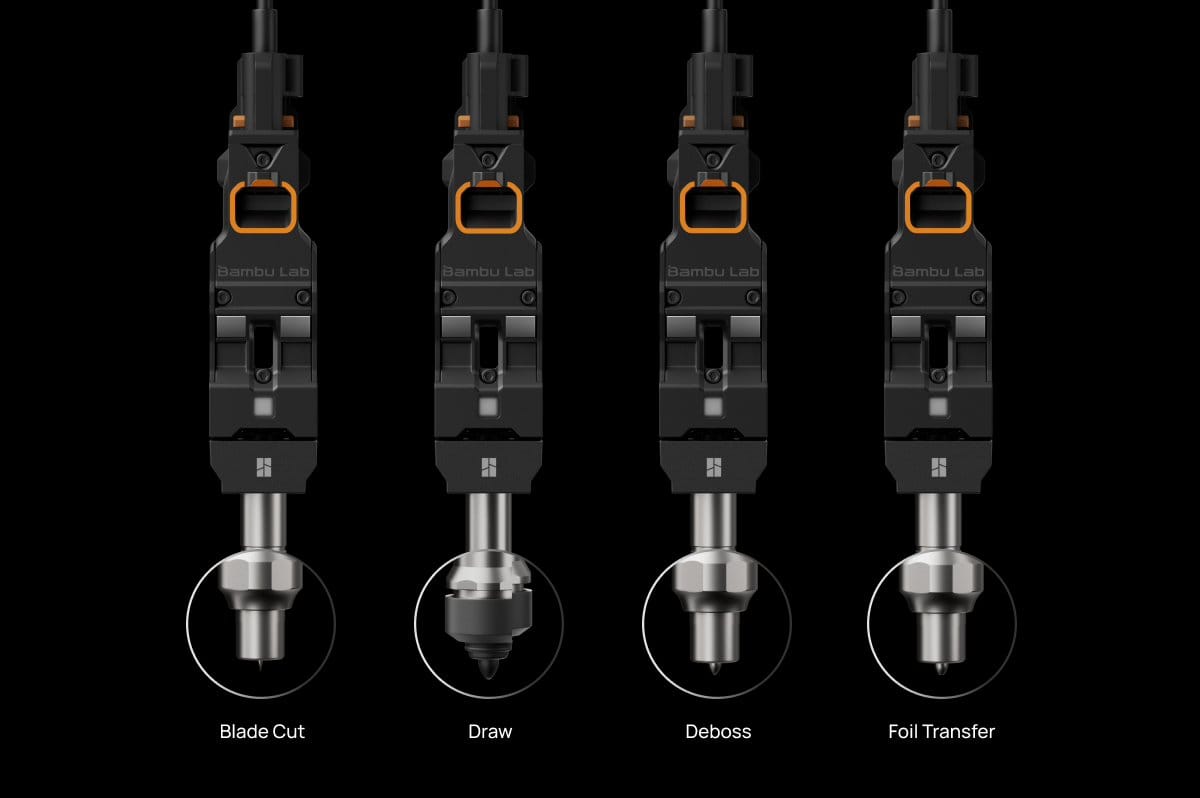
Optional CutTool, DrawTool and DebossTool use the same automatic tool-changing system for compatible 2D projects.
These tools and the appropriate 2D plate are additional accessories. 3D printing and 2D operations currently use separate software jobs; they cannot be combined into a single job.