
Guided desktop scanning
Automatic calibration and a guided EXScan S workflow simplify capture. Manufacturer accuracy: up to 0.1 mm.


SHINING 3D EinScan SE V2 3D Scanner
Automatic calibration and a guided EXScan S workflow simplify capture. Manufacturer accuracy: up to 0.1 mm.
Use automatic turntable capture for suitable objects or fixed scanning for different sizes and viewpoints.
Record texture with the geometry, then clean and prepare the mesh for modelling, archiving or 3D printing.
| Accuracy | Up to 0.1 mm under manufacturer test conditions |
|---|---|
| Light source | Structured light |
| Capture type | Fixed / automatic turntable |
| Colour capture | Supported |
| Software | EXScan S |
| Calibration | Automatic guided calibration |
Shining 3D
A desktop scanner for education, design and digitisation of physical objects with colour textures.
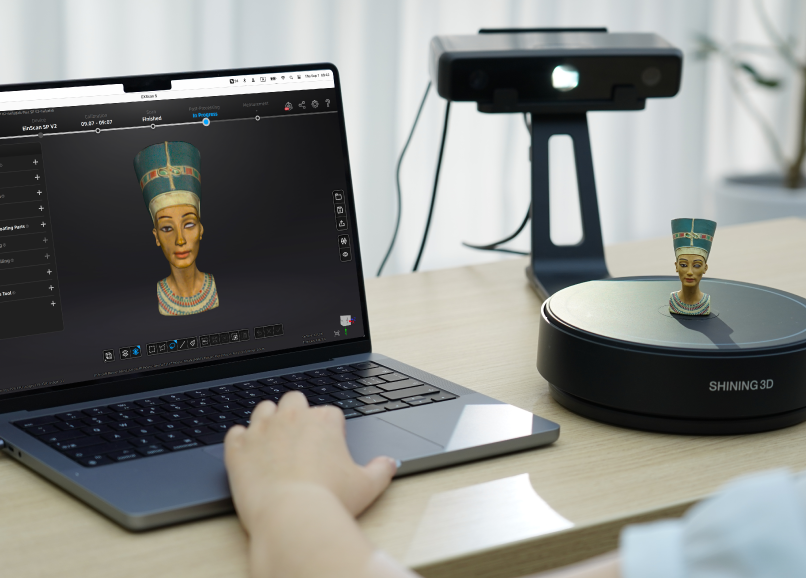
Automatic calibration and a guided EXScan S workflow simplify capture. Manufacturer accuracy: up to 0.1 mm.
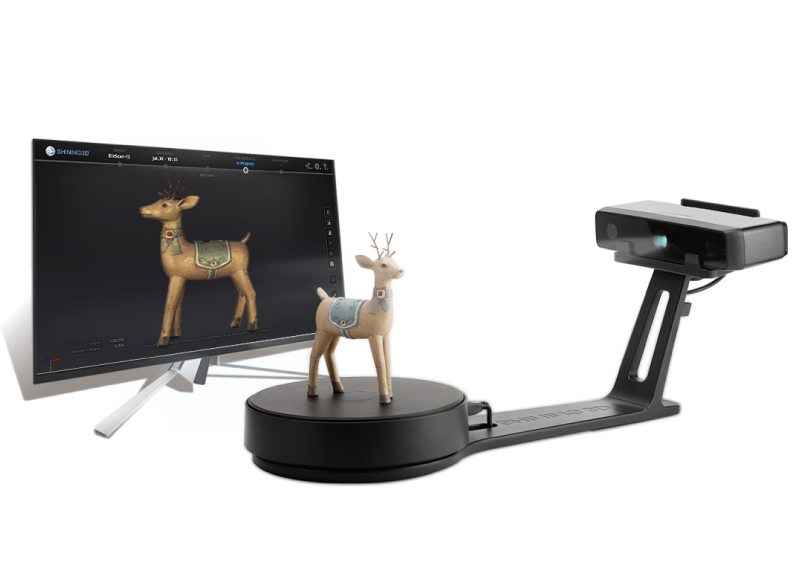
Use automatic turntable capture for suitable objects or fixed scanning for different sizes and viewpoints.
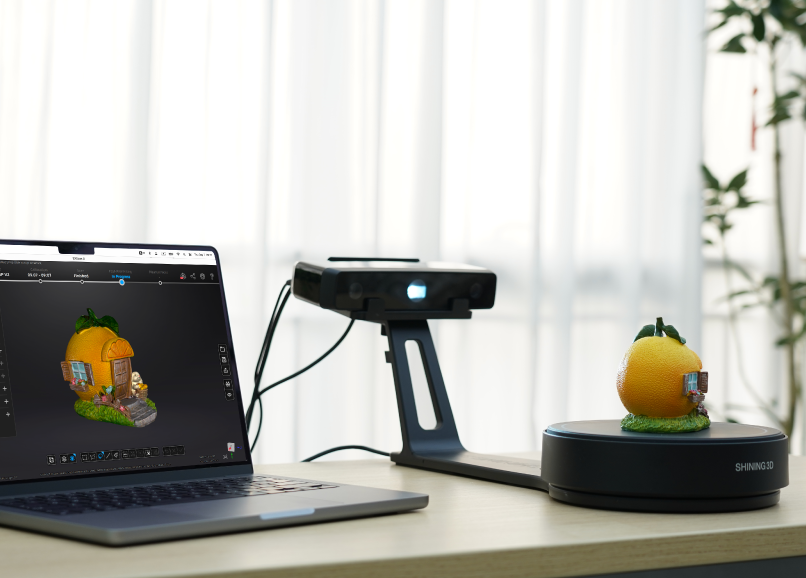
Record texture with the geometry, then clean and prepare the mesh for modelling, archiving or 3D printing. Capture texture alongside shape for visual archives, art and teaching. Export a mesh for downstream design or a watertight STL for compatible 3D-print preparation; a printable mesh and an editable CAD model are different outputs.
EXScan S guides calibration, acquisition and data editing. Choose low, medium or high resolution for the project, then use cleaning, hole filling, simplification and smoothing tools to prepare the model for export.
EXScan S is available for compatible Windows and macOS systems with a multilingual interface. Check the current computer requirements before installation, and select a turntable or fixed setup according to the size of the object.